
For as long as I can remember, I’ve found myself drowning in spreadsheets and copy-pasting numbers in cycles, right before every project closing. Creating and sharing reports always sucked my morning dry. One day, while wrapping up a big project, it hit me: most of this was repetitive, mechanical, and, honestly, avoidable. That’s why I want to show you how automating task reports can help your team spend less time on bureaucracy and more on what brings results.
Why reporting steals our time
If you manage projects, you already know the drill. Task reports mean gathering data, organizing information, double-checking entries, and transforming scattered facts into something you and your client can understand. Many teams do this work manually at the end of every cycle, but I’ve seen firsthand how much time gets lost this way.
- Data is spread across tools or emails
- People forget to update their hours
- Formatting reports is a pain
- Last-minute changes cause confusion
When the pressure of deadlines builds, mistakes happen and errors slip through. I’ve seen projects where late or inaccurate reports caused billing mistakes or even lost business. The manual approach also means managers are distracted from leading and improving processes. Automation flips this equation.
Save time, avoid errors, focus on results.
What does it mean to automate task reporting?
Automation is more than just exporting a spreadsheet. I realized this difference after comparing a few workflows from teams using manual and automated tools. An automated report combines these features:
- Pulls task data from time tracking or project systems
- Updates automatically on schedule (daily, weekly, monthly)
- Builds tables and charts without manual work
- Delivers results in clear, ready-to-send formats
- Reduces the need to “remind” anyone for updates
I noticed that with the right platform, reports land in my inbox before I remember to ask. It removes repetitive steps and even helps teams catch issues early, because everything is up to date. Symtime, for instance, offers these features, letting me prepare summaries with a click instead of fighting with rows and formulas.
The big wins from automating your reports
Changing how you handle task reports starts with a few small steps but can snowball into less burnout and better management. From what I’ve seen in my own transitions and those of clients, the most meaningful wins show up quickly:
- More time for thinking: When my reporting happens automatically, I can use that hour to review results, plan next steps, or solve problems with the team instead of moving numbers between systems.
- Faster project closing: Closing a project used to mean “let’s work another afternoon on paperwork.” Now it’s a matter of minutes, which is a relief for everyone involved.
- Fewer mistakes: Reports updated directly from daily inputs reduce error rates. I used to worry about missing tasks or double entries, but automation cuts those risks almost entirely.
- Better client trust: Automated reports give clients confidence. They see up-to-date progress and costs, helping them trust the process and your professionalism.
Sometimes, I even found that regular, automatic updates flagged issues (like scope creep) before they became expensive headaches. For more tips on measuring your team’s results, I recommend checking my thoughts at business analytics and seeing how analysis helps refine your strategy.
How I set up automated reports in Symtime
If you’ve never set up automated reporting, you might worry it’s technical or confusing. In my first attempts, I thought I would need a developer. But platforms like Symtime make it almost painless. Here’s how my process goes:
- Define what you need: Do you want time spent per task, costs, or just summaries? Start by listing the metrics to report on.
- Decide the frequency: I discuss with my team and clients—should we share progress daily, weekly, or just at closing?
- Choose the right tool: I use Symtime because it covers project tracking, cost monitoring, and makes report setup straightforward.
- Set up templates: In Symtime, I define what each report should include, organizing it once so no one has to repeat the work every week.
- Automate delivery: Schedule it. The reports will go out automatically, sent to everyone who needs to see them, like clients or finance.
I’ve shared a detailed step-by-step guide on project management workflows for teams looking to standardize their operations and avoid confusion at the finish line.

Overcoming obstacles to automation
I understand it’s not always simple to change routines. When I first encouraged a client to automate, the team was skeptical. Some common concerns:
- Fear of losing “control” over the process
- Worries about adapting to a new system
- Questions about data security or integration
- Resistance to learning a new platform
What worked best was taking small steps. Start automating a single report—maybe just the weekly team summary. Once everyone sees the time savings and fewer mistakes, they usually ask for more. If you want to get ideas on tracking work hours to enhance reports, browsing articles about time tracking can be useful.
Automated reports for teams of any size
I’ve worked with solo freelancers, 5-person agencies, and larger specialist teams. The benefits apply to all. Symtime allows up to five users on their free plan, which is perfect for small teams to test the waters without budget worries. For companies with larger squads, the system adapts to bigger reports without manual headaches.
- Freelancers can prepare accurate invoices based on real hours, not guesswork
- Managers avoid the scramble of end-of-month reporting
- Teams stay aligned, because everyone sees the same data, updated in real time
This visibility cuts time wasted in meetings or chasing for updates. For more practical knowledge, there’s an example of how clear reporting helped me win a client at this article.
Tips to keep your automated reports valuable
In my experience, automation only pays off if reports remain clear and relevant. Here’s what I check regularly:
- Review templates every quarter—do they still match client or internal needs?
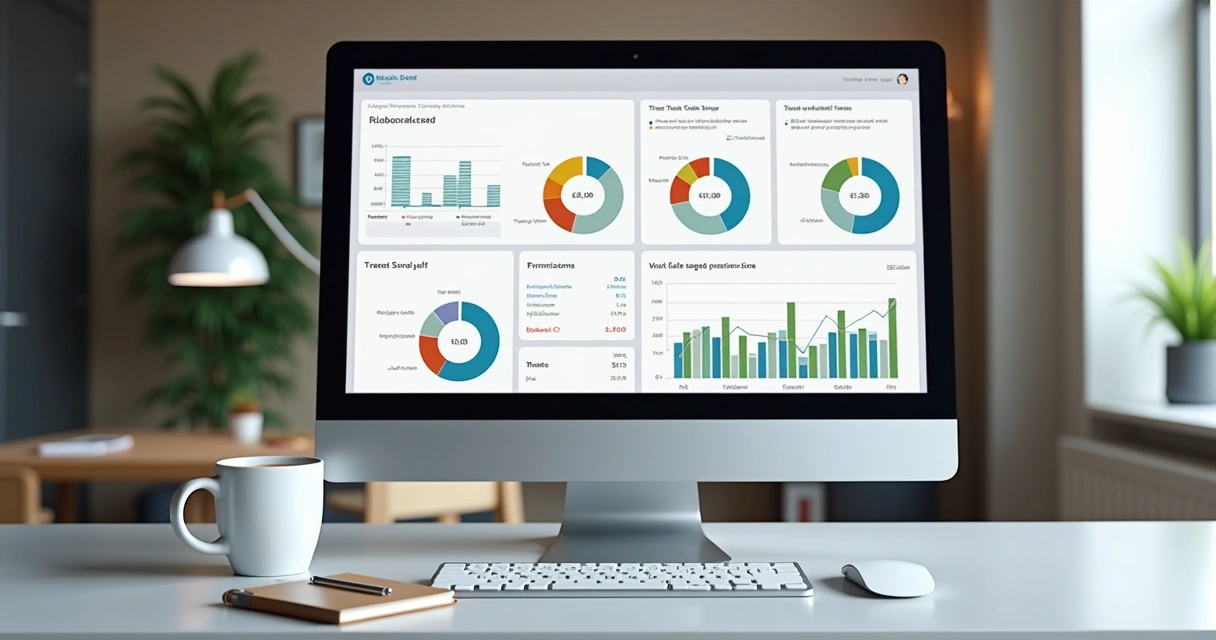
- Include visual summaries—charts make data easier to understand
- Ask your team and clients for feedback on reports and adjust where needed
- Stay consistent: automated schedule, same time every cycle
If you’re looking for more advice on streamlining tasks and reaching true gains, you’ll find regular updates at our productivity blog section.
Consistency beats last-minute sprints.
Conclusion: Make closing easier and focus on what matters
After years of struggling with the same repetitive reporting chores, automating my task reports changed the way my team and I finished projects. I now have fewer late nights, less stress before delivering to clients, and the chance to review our work with clarity. Symtime has helped make this possible, and it’s easier than most expect to get started.
If you’re thinking about saving hours, reducing errors, and making your project closings faster, now’s the time to try. I invite you to start your journey with Symtime—get to know the platform, and see your results transform as you focus on what really drives your business forward.
Frequently asked questions
What is an automated task report?
An automated task report is a summary generated by software that collects, organizes, and presents data on completed tasks or project activities, without manual intervention. These reports pull data from systems like time trackers, project managers, or task lists, scheduling the delivery and formatting based on templates you define.
How to set up automated reports?
To set up automated reports, I usually start by listing which metrics need tracking and how often updates are required. In a tool like Symtime, I configure templates to organize the data—such as time entries, costs, and progress—and then set the frequency for automatic delivery. Most systems let you add recipients, select report formats, and adjust the visuals for better clarity.
Is automating reports worth the effort?
Automating reports is almost always worth it, because it saves manual hours, reduces errors, and keeps projects moving smoothly during closing. The effort pays off even for smaller teams, since even saving 30 minutes every week adds up to full workdays freed over a year.
How much time can automation save?
The time saved depends on your previous manual processes and the number of reports. In my experience, teams typically recover 1-3 hours per week by automating all of their recurring reports. For larger teams, or those managing many projects, the savings are even bigger—sometimes a full workday each month.
What tools automate task reports best?
Tools that combine project management, time tracking, and real-time analytics—like Symtime—are best for automating task reports. These allow you to pull all the relevant data, format it automatically, and schedule output, all in one place. The simpler the process, the more likely you’ll keep using it with great results.